Review & Deploy

Ship with confidence

Browse insights across all architectures, resolve issues, 
and optimize deployed workloads that meet your requirements.

Dashboard showing identity subscription misconfiguration insight with description, mitigation steps, timeline, properties, affected area, sources, and impact ratings.
01

Insights aligned with your requirements

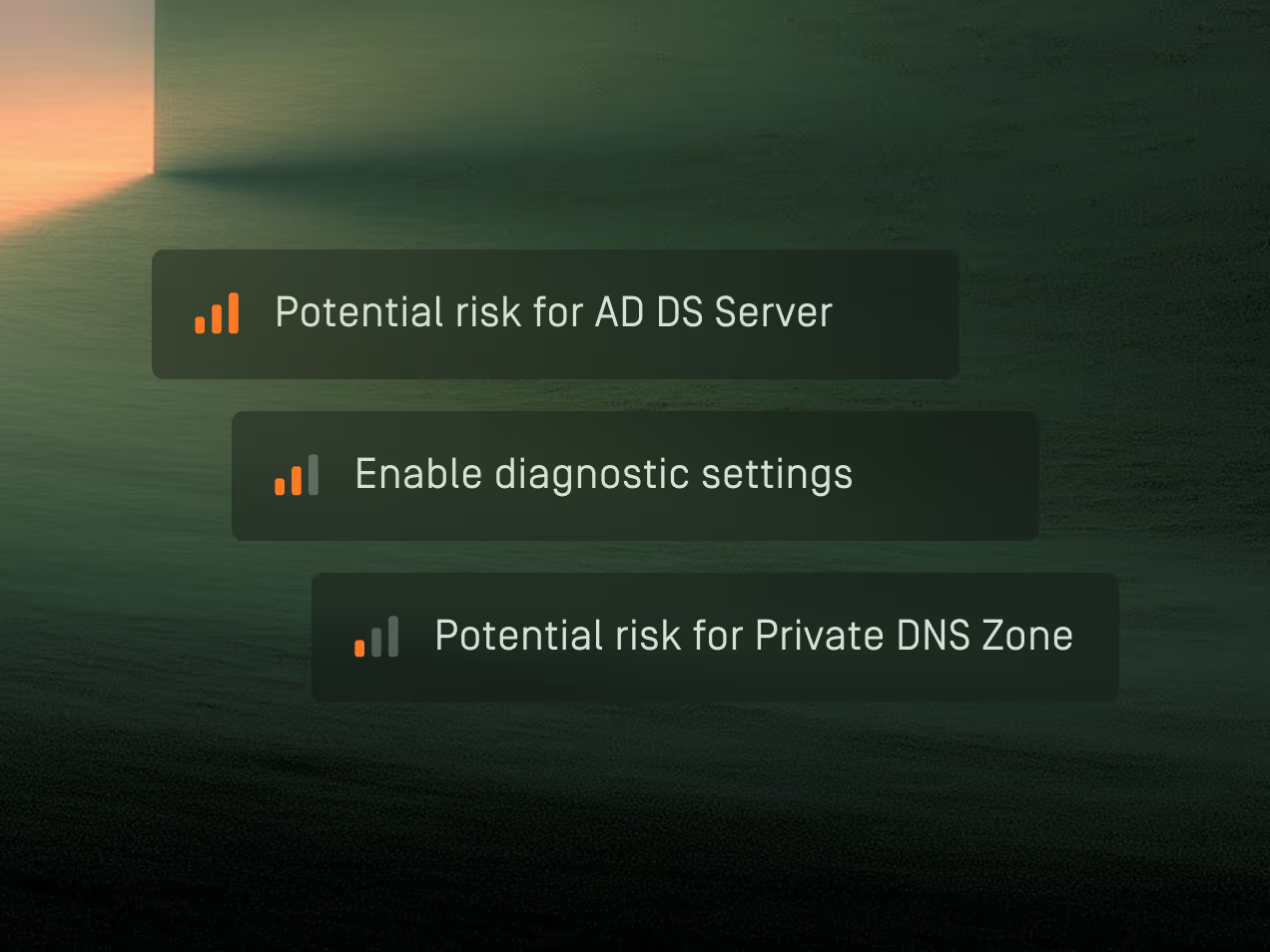
Select internal or external policies, standards, benchmarks, or regulations to evaluate how your cloud environments align with their requirements through actionable insights.

  • Insights that go beyond simple misconfigurations
  • Prioritized impact based on your guardrails
  • Visibility across all cloud environments in one place
02

Collaborate and review insights as as a team

Select mitigation strategies, assign team members, update statuses, and collaborate to resolve and review insights.

  • Complete timeline of all insight events
  • Comment and collaborate directly on insights
  • Automatic resolution when issues are fixed
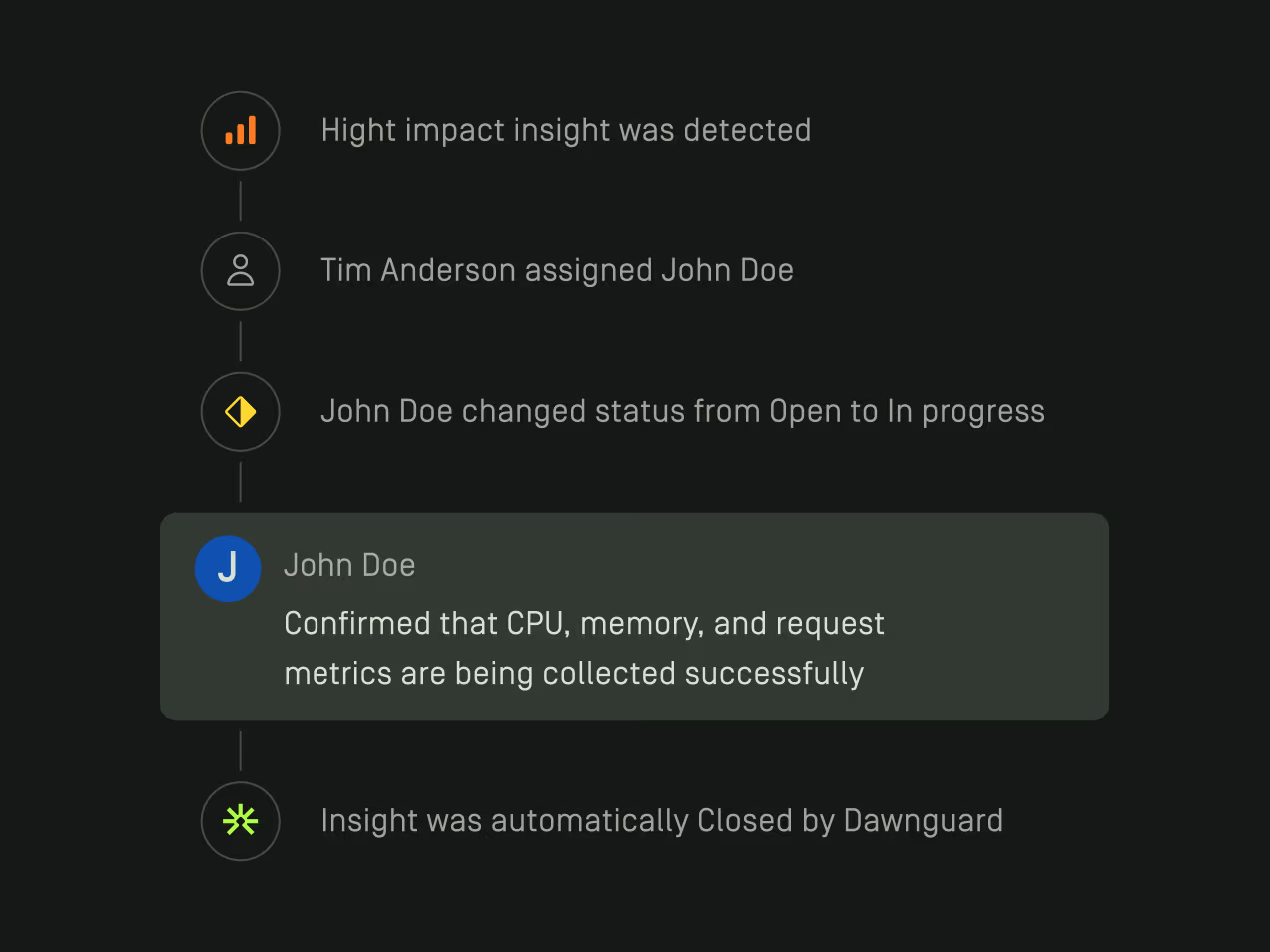
Timeline showing high impact insight detected, Tim Anderson assigning John Doe, John Doe changing status from Open to In progress, John Doe confirming CPU, memory, and request metrics collection, and insight automatically closed by Dawnguard.
03

From architecture to Infrastructure as Code

Generate production-ready Infrastructure as Code directly from your validated designs, without writing a single line of code.

  • IaC that matches your architecture design
  • Automated security review before deployment
  • Design and deployment stay aligned
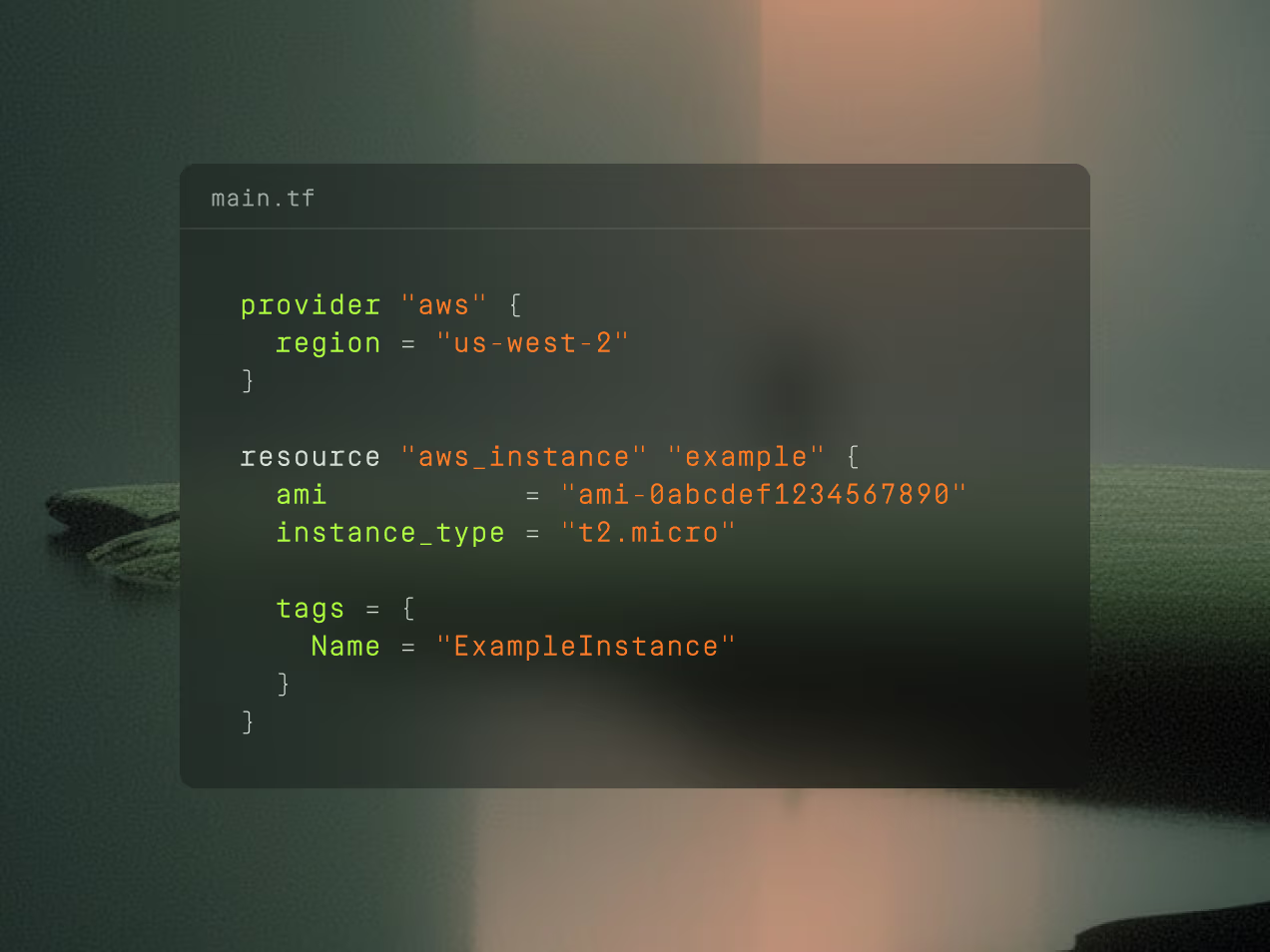
Terraform configuration code defining AWS provider in us-west-2 region and an AWS instance resource with specific AMI and instance type t2.micro.

Explore your architecture with precision
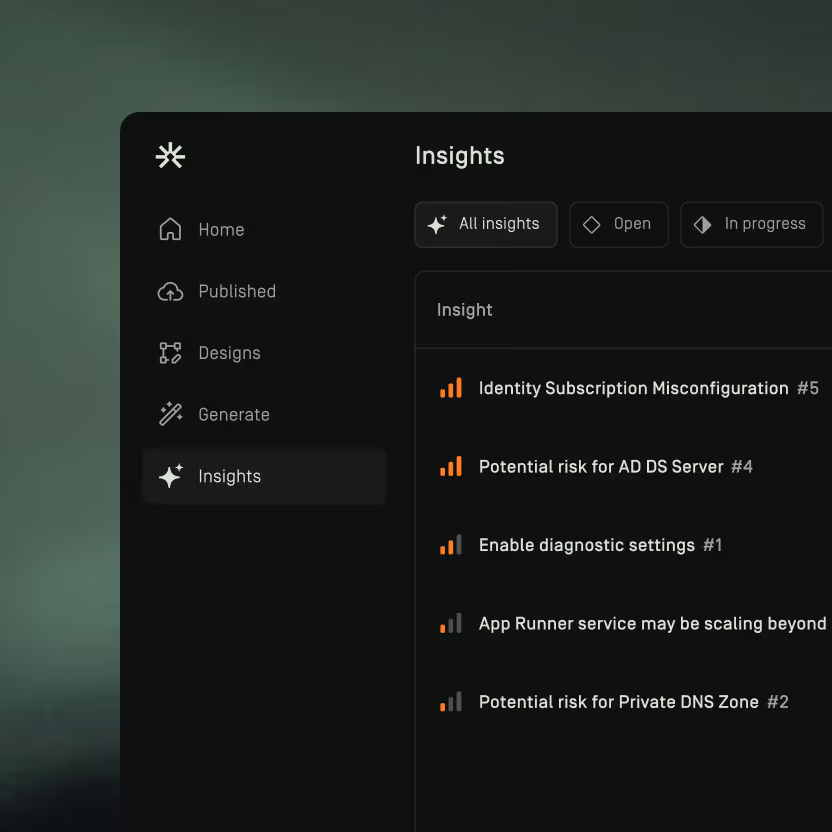
User interface showing a dark-themed Insights panel with a sidebar menu including Home, Published, Designs, Generate, and Insights. The Insights section lists items such as Identity Subscription Misconfiguration, Potential risk for AD DS Server, and Enable diagnostic settings with risk indicators.

Structured insight workflows

Browse assigned insights and track their progress

Insights panel showing a list of 42 issues including unprotected storage access, insecure network rules, and potential risks for servers.

Explore insights on the architecture canvas

Search and filter insights directly in view
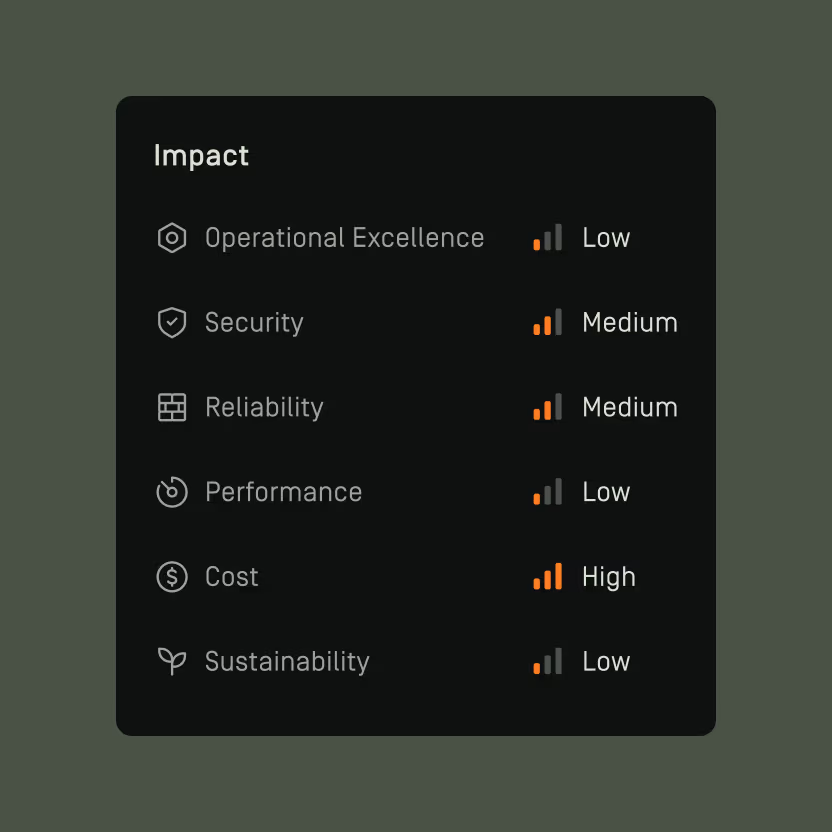
Impact chart showing ratings: Operational Excellence Low, Security Medium, Reliability Medium, Performance Low, Cost High, Sustainability Low.

Review impact scoring

Prioritize insights based on their impact across pillars

Take control of your cloud security